
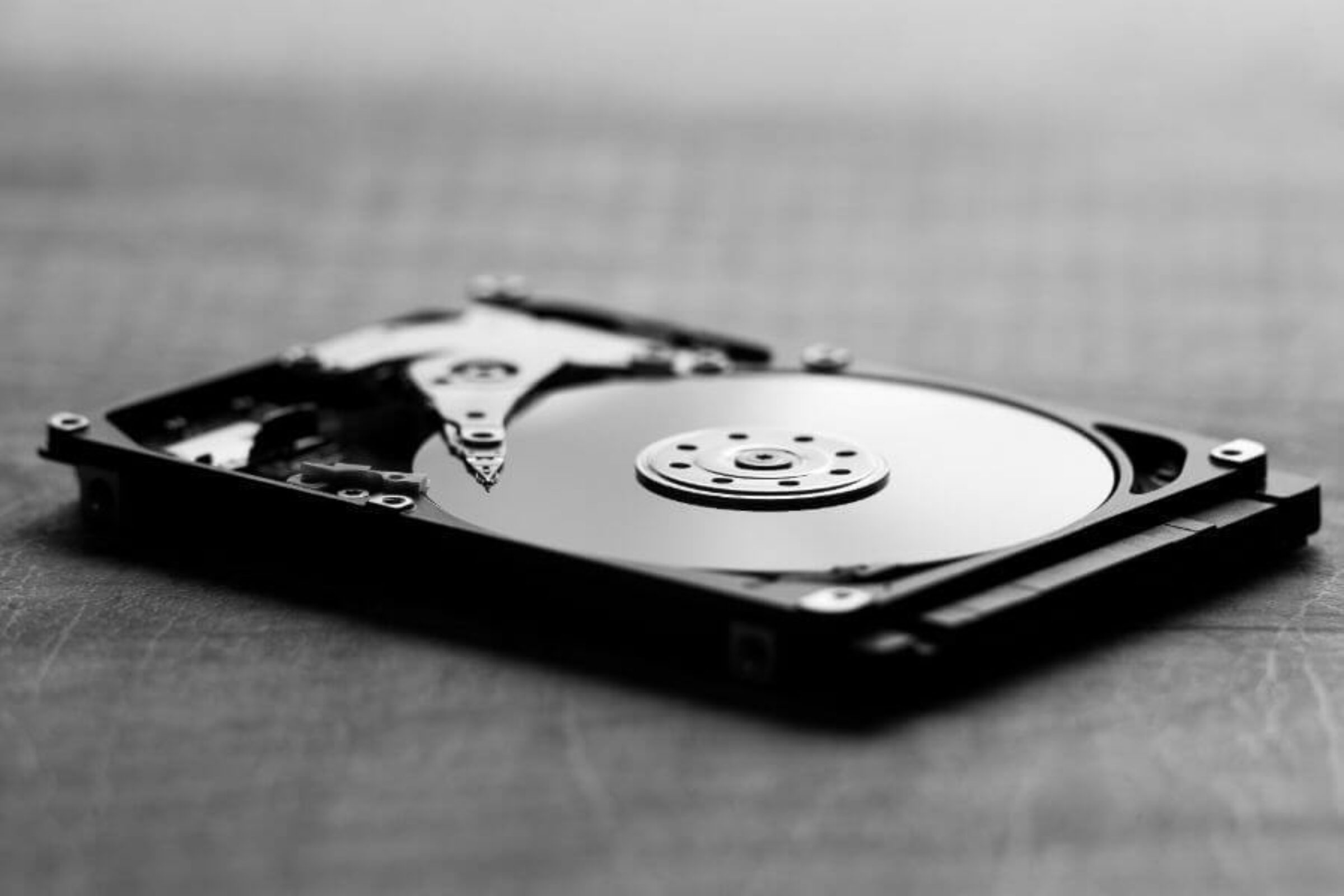
Deleting files or formatting a drive feels final, yet the data usually remains, sitting on the platters and waiting for anyone with recovery software to pull it back. Every retired laptop, server, and workstation carries drives loaded with sensitive records long after a business believes they are gone. That gap between “deleted” and “destroyed” is exactly where breaches happen. Hard drive crushing closes it by physically deforming the drive so the data it holds can never be read again.
For any organization handling customer records, financial data, or medical files, physical destruction has become the standard for retiring storage safely. Understanding why crushing works, and where it fits alongside other methods, helps explain its place in a sound data-security plan.
What Is Hard Drive Crushing?
Hard drive crushing is a physical destruction method that uses a powerful machine to bend, puncture, and deform a drive until it is structurally ruined. A hydraulic press or a conical steel punch drives into the platters, warping the surfaces that store the data and destroying the internal components that read them. The result is a mangled piece of hardware that no drive reader or recovery tool can interpret.
The method applies mainly to traditional hard disk drives, which store data on spinning magnetic platters. Solid-state drives, which hold data on chips, are often paired with shredding or a purpose-built crusher to ensure the chips themselves are destroyed.
Why Deleting Files Does Not Erase Data
Standard deletion removes the pointer to a file, not the file itself. The underlying data stays on the drive until something overwrites it, which means widely available recovery tools can restore it in minutes. Formatting and factory resets fall into the same trap, often leaving recoverable fragments behind. When the goal is certainty that nothing can be retrieved, only destroying the medium itself removes all doubt.
Why Hard Drive Crushing Is Used for Data Security
The appeal comes down to permanence, speed, and proof. The reasons build on one another, from what crushing does to a drive through to the paperwork it leaves behind.
Permanent Destruction Beyond Recovery
Crushing renders a drive physically incapable of being read. Once the platters are bent and the read mechanism is shattered, the data has no surface left to sit on in a usable form. No software, no lab, and no specialist can reconstruct information from hardware that no longer holds its shape. A crushed drive is not wiped or hidden but structurally eliminated, which gives businesses the certainty that compliance and reputation demand.
Results on Drives That Cannot Be Wiped
Software erasure needs a functioning, powered drive to overwrite, which leaves failed and dead drives stranded with their data intact. Crushing relies on force rather than a working circuit, handling every drive the same way. Two situations show why that matters:
Damaged or Dead Drives
A drive that no longer powers on cannot run a wipe, yet its platters may still hold readable data. Crushing destroys it regardless of whether it works.
End-of-Life Equipment in Bulk
Decommissioned servers and old laptops arrive by the pallet, many of them faulty. Crushing clears the whole batch without testing each one first.
Fast, Verifiable Proof of Destruction
Speed becomes a real advantage when equipment is retired in volume, and the outcome is something staff can see rather than trust:
- A single drive is destroyed in seconds, not the hours erasure can take
- The mangled result is immediate, visible proof of destruction
- On-site crushing lets staff witness the process before drives leave the building
- Large batches are cleared in one session
Watching a drive get destroyed offers assurance that a progress bar never can. That visibility is a major reason security-conscious organizations lean on the method.
Crushing vs. Shredding, Degaussing, and Erasure
Crushing is one of several routes to secure disposal, and the right one depends on the situation. The comparison below shows where each fits.
| Method | How It Works | Best Suited To |
| Crushing | Deforms the drive with force | Individual and dead HDDs, fast visible proof |
| Shredding | Cuts drives into fragments | Bulk destruction, both HDDs and SSDs |
| Degaussing | Wipes with a magnetic field | Magnetic drives only, no visible sign |
| Erasure | Overwrites a working drive | Hardware headed for reuse or resale |
Many programs blend these, destroying end-of-life drives while reserving erasure for equipment slated for resale. Matching the method to the goal keeps a disposal program both secure and cost-effective.
Meeting Compliance and Audit Requirements
Regulations across healthcare, finance, and consumer data demand verifiable destruction, and crushing satisfies that expectation when it is properly documented. Providers such as Excess IT Hardware crush drives and issue a serialized certificate of destruction for each one, tying every device to a record auditors can follow. Alignment with recognized media-destruction standards, a documented chain of custody, and support for rules like HIPAA and GLBA turn a physical act into provable compliance.
When to Choose Hard Drive Crushing
Some situations point clearly toward crushing:
- Retiring end-of-life drives that will never be reused
- Destroying failed or damaged drives that cannot be wiped
- Handling highly sensitive data where certainty is non-negotiable
- Needing on-site destruction witnessed by staff before drives leave
- Clearing large volumes of drives during a decommission
Crushing rarely stands alone, often working alongside shredding and responsible recycling. The decision comes down to the sensitivity of the data and the need for fast, provable destruction.
FAQs
Does hard drive crushing destroy all the data?
Yes, crushing physically deforms the platters and internal components, leaving no readable surface for data to sit on. Once a drive is crushed, the information it held cannot be reconstructed by any software or recovery service.
What is the difference between crushing and shredding?
Crushing bends and punctures a drive until it is unreadable, while shredding cuts it into small pieces. Shredding offers the highest assurance for bulk destruction and both drive types, while crushing is fast and effective for individual hard disk drives.
Can data be recovered after a hard drive is crushed?
No, a properly crushed drive has no intact platter surface or working read mechanism, which makes recovery impossible. This permanence is the main reason businesses choose physical destruction over deletion or erasure.
Is hard drive crushing compliant with data regulations?
When performed to recognized standards and documented with a certificate of destruction, crushing meets the requirements of regulations like HIPAA and GLBA. The serialized record and chain of custody provide the proof auditors look for.
What happens to a drive after it is crushed?
The destroyed drive is sent for responsible electronics recycling, where its materials are recovered rather than landfilled. This keeps the disposal process both secure and environmentally sound.
Takeaway
Retiring a drive safely means removing any chance its data can return, and deletion alone cannot promise that. Hard drive crushing offers a permanent, fast, and verifiable answer, destroying the medium itself and backing the act with the documentation compliance requires. For end-of-life and failed drives especially, it turns a lingering security risk into a closed matter.
Once a drive reaches that point, secure handling becomes just as important as removing it from service. Excess IT Hardware has helped Florida businesses manage that final step securely since 2016, giving companies a clear way to retire storage without leaving sensitive data exposed.
When it is time to retire those drives, Excess IT Hardware provides a secure, documented path to put the data concern behind you.